Features
Threadcut Studio gives you a full set of digitizing tools in one desktop app. Start from an image, an SVG, or a blank canvas, and export files ready for your embroidery machine.
From image to stitch
Import
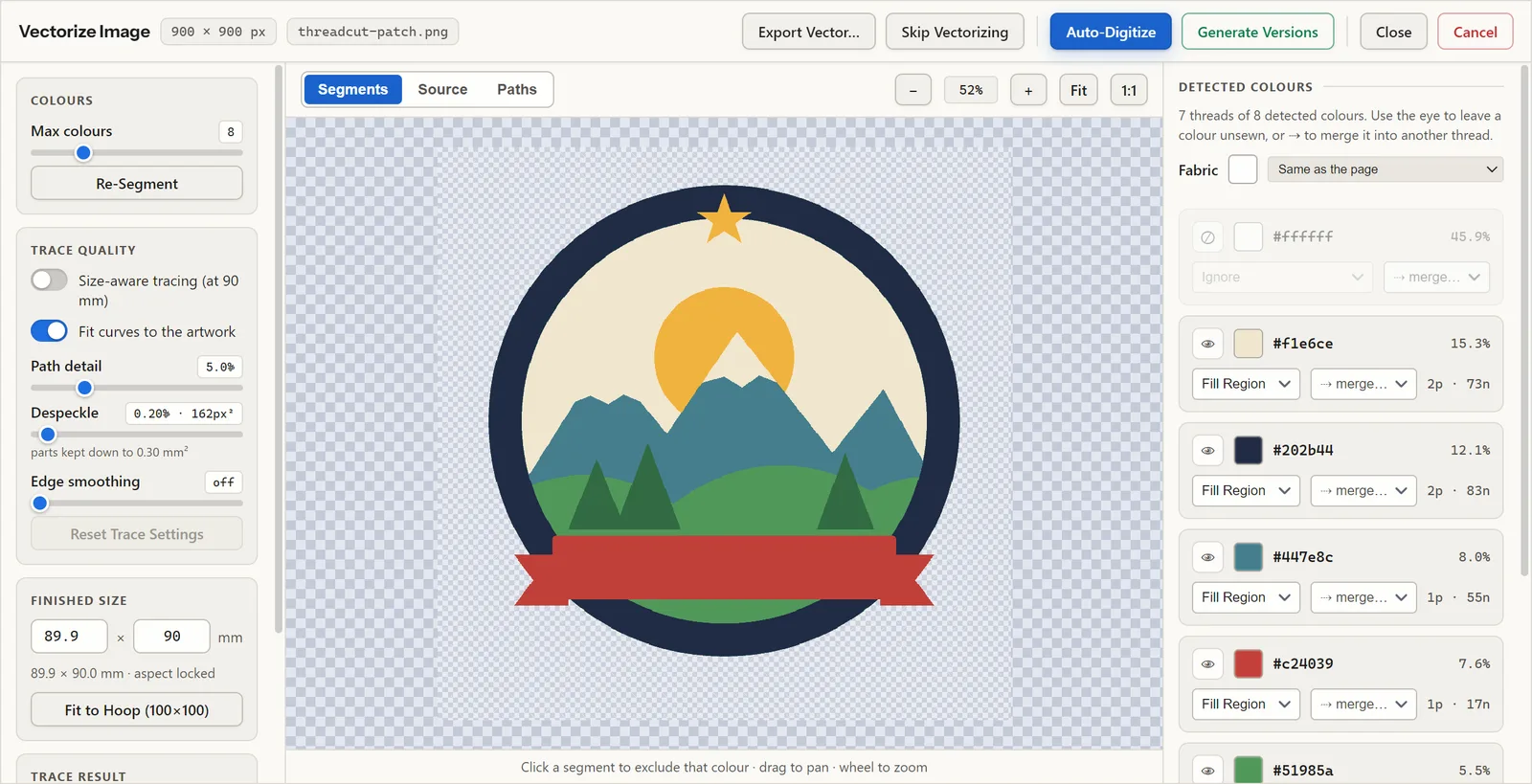
Bring in a PNG, JPG, SVG, or an existing embroidery file. The app segments colours, traces contours, and gets you ready to edit.
Edit
Choose sew types, adjust density, set underlay, add holes, arrange sew order, and fine-tune every shape until it looks right.
Preview
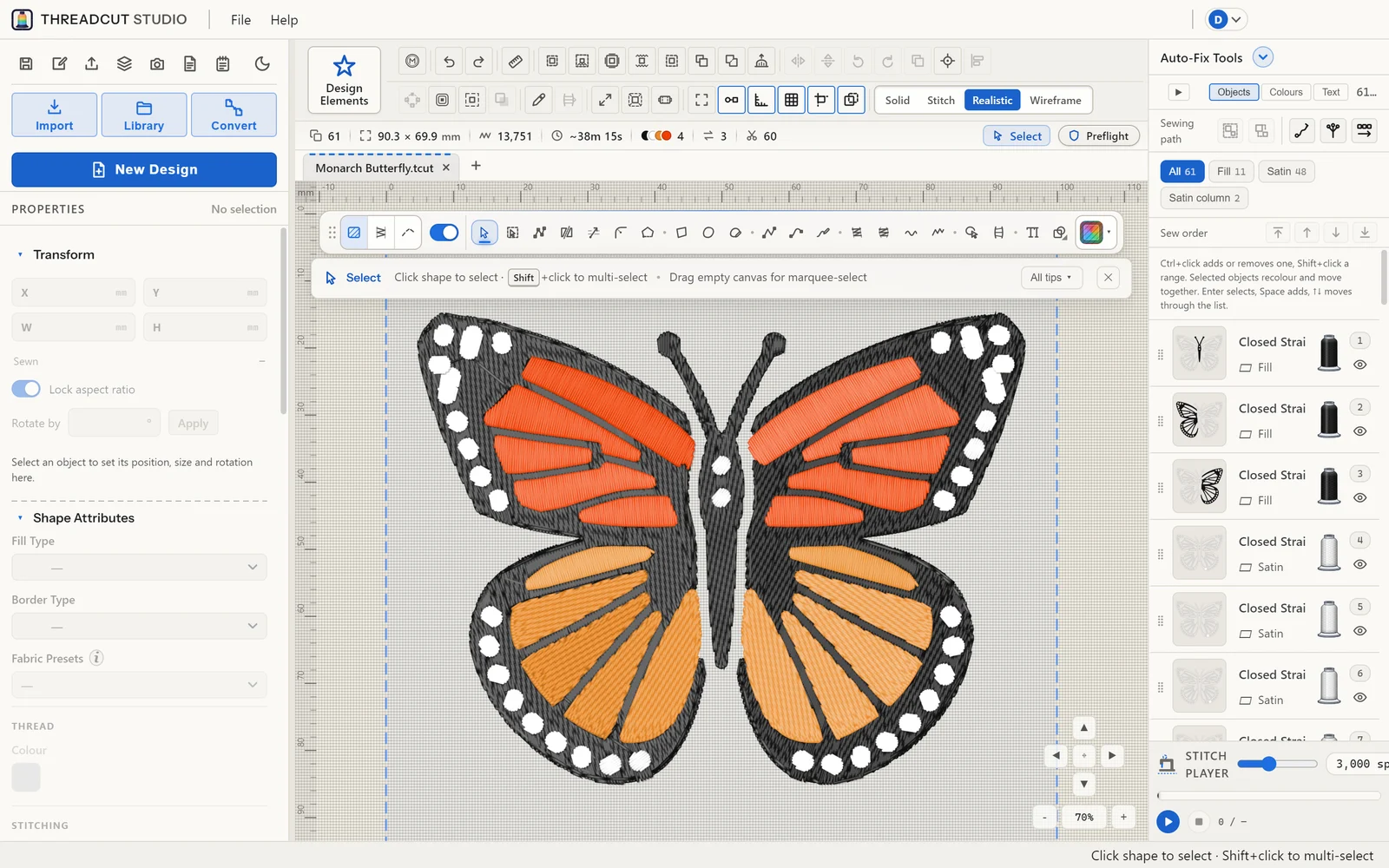
Watch realistic thread rendering and an animated stitch playback so you can catch issues before you sew.
Export
Save to the machine format your machine needs, or export multi-size sets, SVG previews, and a design summary PDF. See all formats.
An image becomes editable shapes.
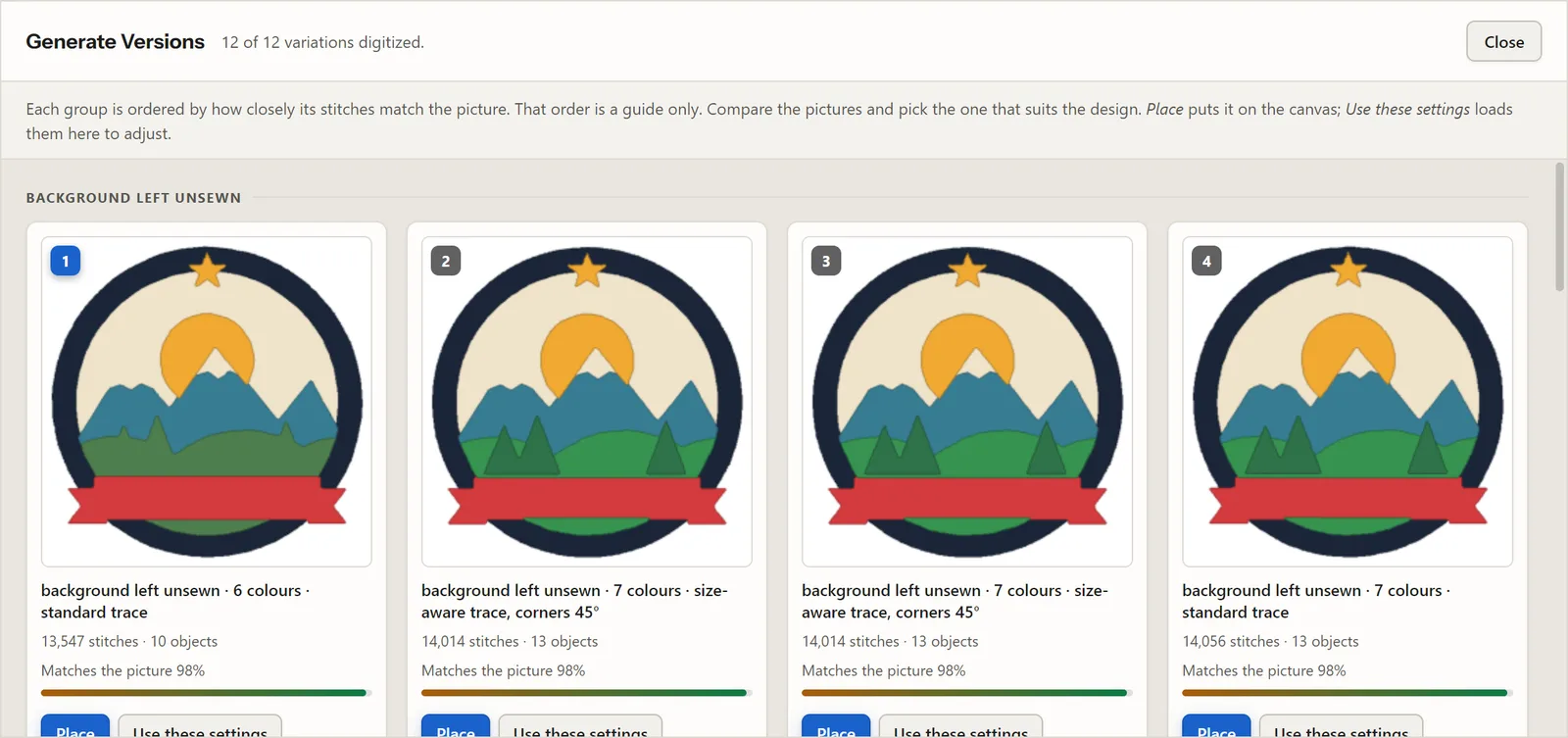
Digitized 12 ways, ranked by match.
See the stitch-out before you sew.
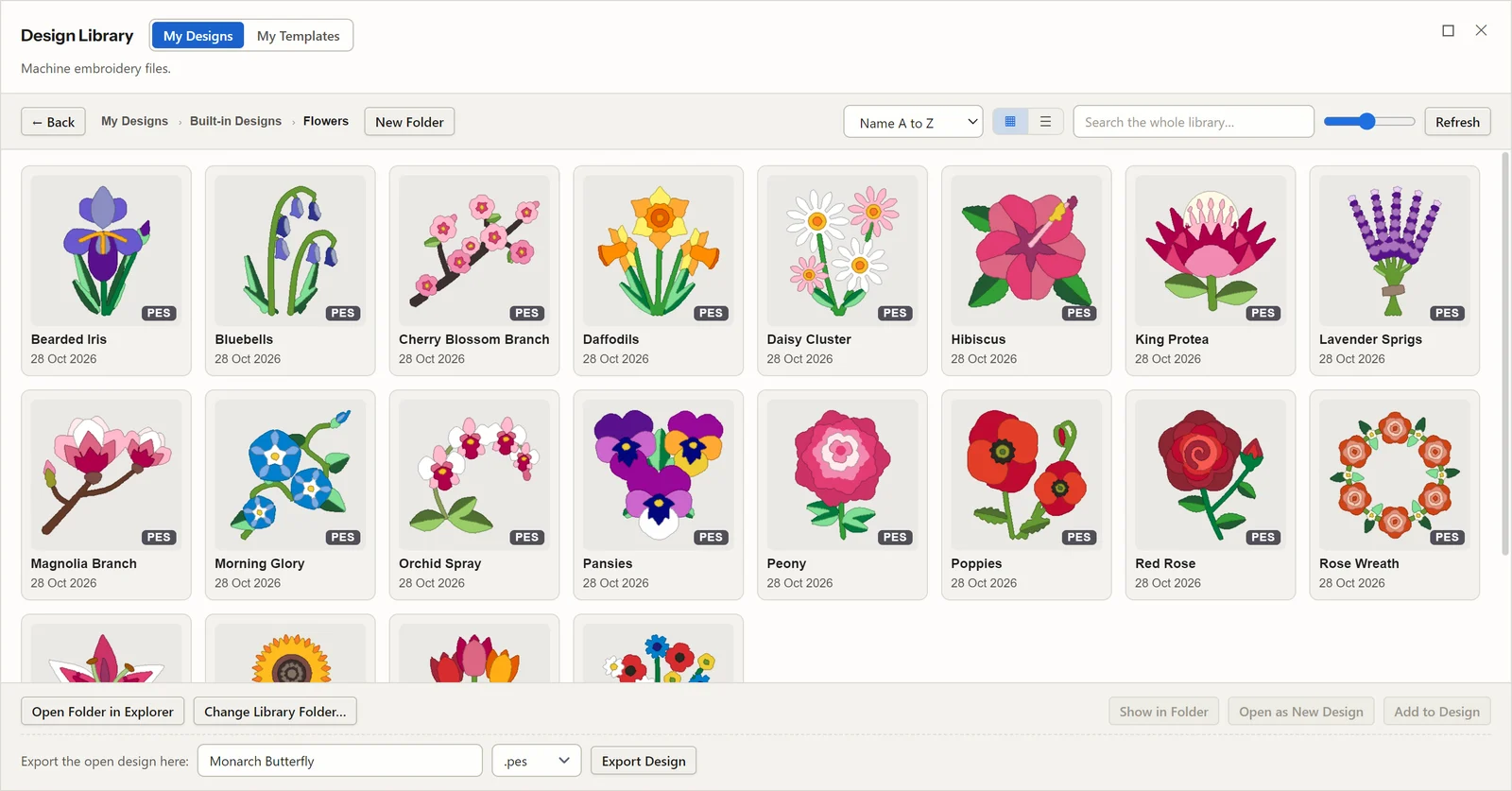
Every copy includes 100 designs.
What you can do
Import existing files
Open SVGs and 40+ embroidery file formats like .pes and .dst for viewing or conversion.
Batch digitizing
Point the app at a folder of images and SVGs and it digitizes each one, so a set of logos becomes a set of stitch files in one go.
Photo Stitch
Turn a photograph into thread as blended rows of colour or single-thread line art, on its own or added into a design you're working on.
Rebuild stitch files
Reconstruct a finished stitch file as editable shapes that resize to any size with correct density, with a fidelity check against the original before you keep it.
Manual digitizing tools
Draw straight and curved blocks, running and feed patterns, satin columns and lines, or place stitches point by point. Edit points, corners, holes, and sew order by hand.
44 sew types
Fills, lines and borders grouped the way the app lists them, from satin and fill to stippling, cross stitch, ropelock, and braid. Read more.
49 one-click repair tools
The Auto-Fix panel repairs split fills, gaps, overlaps, bulletproof density, jagged edges, and micro-stitches, and adapts designs to fleece, knits, leather, sheer, and puffy foam.
Appliqué
Draw an appliqué directly, turn a whole design into one, or let Auto-Appliqué convert a large fill into a fabric patch. Snap tools add the contoured border, tack-down and cut lines.
3D Puff
Set satins to sew over craft foam: dense enough to cut it cleanly, every column end capped, an optional perforation run, and a machine stop so you can lay the foam down first.
Fine control
Set underlay, pull compensation, density, direction, entry/exit points, and appliqué sequences. Match colours against the built-in thread charts or import your own.
Hoop-aware layout
Work inside 70+ catalogue hoops from 10 makers or your own custom frames, measure in mm or inches, and optimize sew order to reduce colour changes and jump stitches.
100+ built-in embroidery fonts
Lettering families drawn for embroidery, including small-lettering faces down to 3 mm, plus tested open-source fonts. Any TTF or OTF font on your machine works too, each scored for suitability.
Monograms
Build initials or a name into a finished monogram: 32 ready-made templates, 13 frame shapes, and your own fonts, sized for standard hoops or any width.
5,000+ design elements
Drop ready-to-sew elements onto the canvas and treat them like something you drew: editable shapes across 120+ searchable sections.
Preflight check
One click checks density, stitch lengths, narrow satin, trims, coverage and hoop fit against standards measured from professional production files. Resolve them safely with one click.
Multi-hoop layouts
Split a design bigger than your hoop into several hoopings, with overlap, joins, registration marks and calibration handled. You get one file per hooping plus a printed guide.
Flexible export
Export to 20+ machine formats, multi-size sets, SVG, PNG, and CSV with a design-info PDF and a batch converter for whole folders.
Five languages
The full interface is available in English, Deutsch, Español, Français and Português. Switch language any time in Settings.
Try Threadcut Studio for free.
Get 14 days of full access free, no card required.
Download Threadcut Studio